OpenAI Codex + Figma MCP Setup for Designers
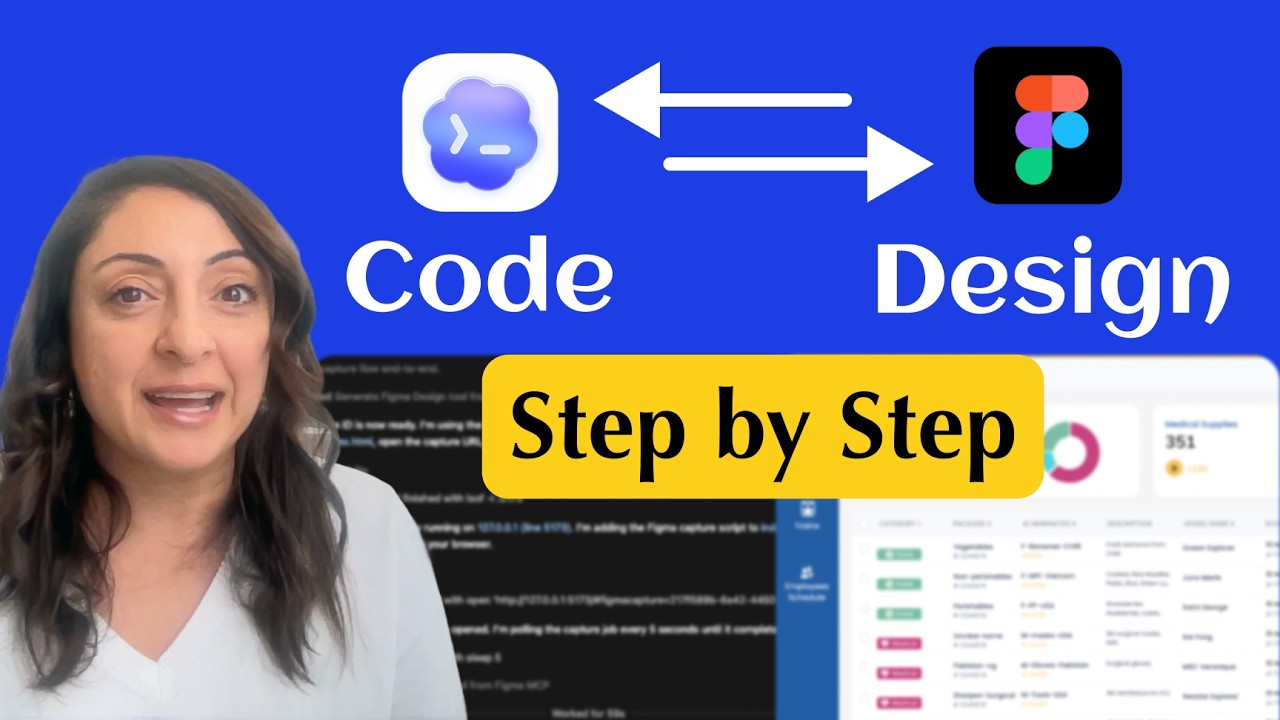
OpenAI Codex is now integrated with Figma MCP (Model Context Protocol) — and this may signal the end of manual designer–developer handoff. In this complete step-by-step Figma MCP setup tutorial for designers, I show you exactly how to insta
Full description
OpenAI Codex is now integrated with Figma MCP (Model Context Protocol) — and this may signal the end of manual designer–developer handoff. In this complete step-by-step Figma MCP setup tutorial for designers, I show you exactly how to install and configure the Figma MCP server, connect OpenAI Codex to Figma, and activate the Code to Canvas workflow for real-time collaboration between design and development. 🔗 Updated Tutorial for this setpUp: https://youtu.be/cPobzhh_GYE You’ll learn how the OpenAI Codex + Figma MCP integration works, how to enable bi-directional push and pull updates between your Figma canvas and your codebase, and how this AI-powered workflow eliminates outdated specs, manual CSS exports, and broken handoffs. If you’re searching for how to connect Codex to Figma, how to set up Figma MCP, or how Code to Canvas works in practice, this tutorial walks you through everything from zero to fully connected — specifically tailored for UX, UI, and product designers who want to stay ahead of AI-driven development. This video covers: • Figma MCP server installation and configuration • Connecting OpenAI Codex to Figma • Code to Canvas workflow explained • Real-time design-to-code synchronization • What this means for modern UX and product teams #Figma #OpenAI #Codex #FigmaMCP #CodeToCanvas #DesignHandoff #AIWorkflow #UXDesign #ProductDesign #WebDevelopment #AITools ------------------------------------------------------------------------------- 🔗 Links & Resources: 🔗 Download Codex: https://openai.com/codex/ 🔗 Figma MCP Documentation: https://developers.figma.com/docs/figma-mcp-server/remote-server-installation/ 🔗 Updated Tutorial for this setpUp: https://youtu.be/cPobzhh_GYE ------------------------------------------------------------------------------- 🌸 FREE Professional Courses 🌸 🤖 The New AI-Design Workflow — Claude AI + Figma (FREE Course): https://www.youtube.com/playlist?list=PLXdRMPwB8CHnCai2ohL6e9HA4mcq-ZEn0 ☸️ Codex & Chatgpt for Designers: https://www.youtube.com/playlist?list=PLXdRMPwB8CHk4F76vsOWHehnz8pcKYP6T 🔥 Figma MAKE — 0 to Expert (FREE Course): https://www.youtube.com/playlist?list=PLXdRMPwB8CHmbSLEKimjJMuvlAQgi09I 🌈 Complete Figma for Beginners 2025 (FREE Course): https://www.youtube.com/playlist?list=PLXdRMPwB8CHkdA9Sch2ArrgmViCbHyaRN 🧘🏻♀️ Career in UX/UI Design (FREE Course): https://www.youtube.com/playlist?list=PLXdRMPwB8CHmky4DDULgzeU-u4XyHNU7y ------------------------------------------------------------------------------- Follow me: ➡️ LinkedIn: https://www.linkedin.com/in/nehmatgereige/ 🌈 Figma Creations: https://www.figma.com/@nehmatgereige ------------------------------------------------------------------------------- Music by: bensound.com License code: 99SFBIGYDLJIBOC2 Artist: : Nick Petrov ------------------------------------------------------------------------------- ------------------------------------------------------------------------------- ⏰ CHAPTERS ⏰ 00:00 #1.Intro 02:09 #2. Download & Setup Codex 05:45 #3. Install & Setup Figma MCP Server in Codex 8:25 #4. Generate Code in Codex from Figma design 11:10 #5. Send to Figma from Codex: Code To Canvas 13:30 #6. Send from Figma to Codex: Canvas To Code