我如何在 13 分鐘內用 Vibe Coding 開發了一個 90 萬美元的應用(Claude Design + Codex)
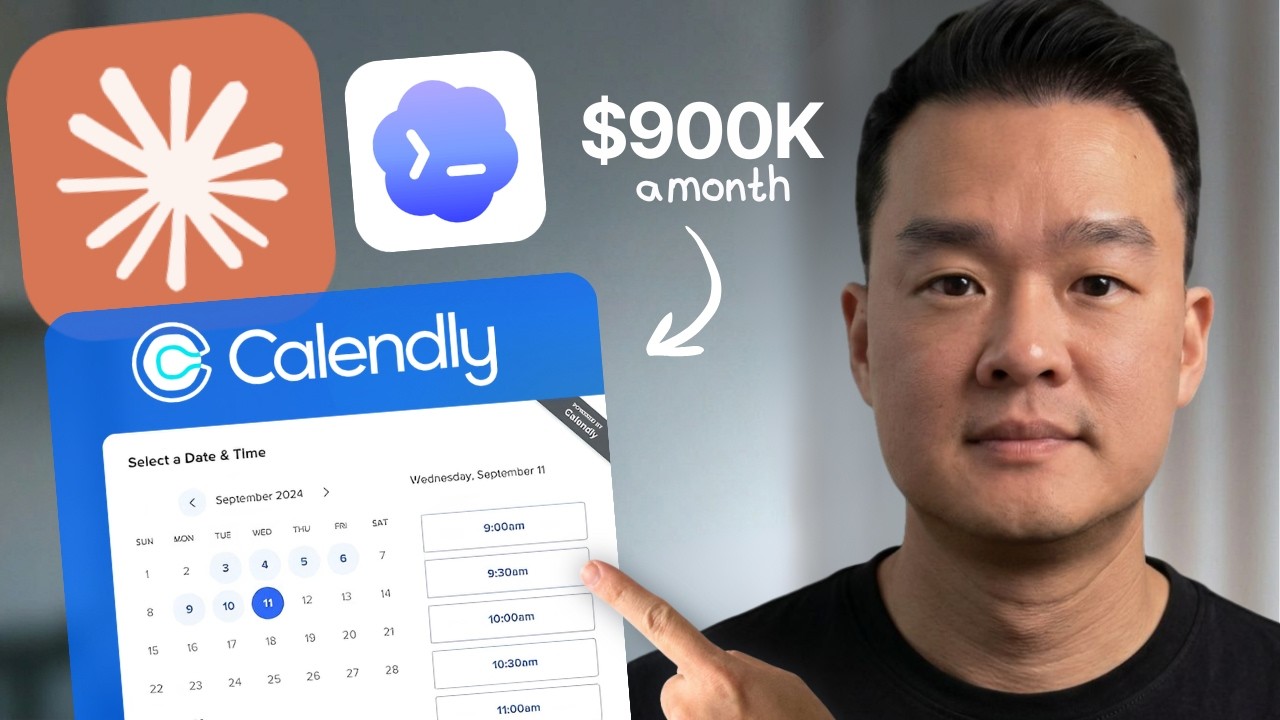
我使用 ChatGPT Codex 5.5 和 Claude AI 複製了 Calendly,完全沒有寫一行程式碼。在這部影片中,我展示如何在 2026 年用 vibe coding 開發一個完整的日曆預約應用,包括 Google 登入、Google 日曆同步和 Remotion 影片。如果
完整描述
我使用 ChatGPT Codex 5.5 和 Claude AI 複製了 Calendly,完全沒有寫一行程式碼。在這部影片中,我展示如何在 2026 年用 vibe coding 開發一個完整的日曆預約應用,包括 Google 登入、Google 日曆同步和 Remotion 影片。如果你想推出 SaaS 應用,這正是開始的方式。 🎯 建立你的商店 AI:https://www.buildyourstore.ai/0a44 🚀 想要更多想法?加入我的免費電子報:https://www.thebreadcrumb.co/ 使用的工具 - ChatGPT Codex:https://chatgpt.com - Claude Design:https://claude.ai - Remotion:https://remotion.dev - Supabase:https://supabase.com - Vercel:https://vercel.com - GitHub:https://github.com 時間戳記 00:00 介紹 00:51 Saas 業務的優勢 03:42 設定 Codex 5.5 05:12 ChatGPT Codex - 構建功能 07:55 Breadcrumb 電子報 08:31 Claude Design - 前端設計 12:17 贊助商 14:00 Codex - 構建功能性 18:44 Codex - 添加 Google 登入 19:02 Remotion - 建立行銷影片 23:02 Codex - 連接 Google 日曆 聯絡我:[email protected] #vibecoding #chatgpt #claudecode
章節
- 0:00 Intro
- 0:51 Benefits of Saas Business
- 3:42 Setting Up Codex 5.5
- 5:12 ChatGPT Codex - Build Features
- 7:55 Breadcrumb Newsletter
- 8:31 Claude Design - Front End Design
- 12:17 Sponsor
- 14:00 Codex - Building Functionality
- 18:44 Codex - Adding Google Login
- 19:02 Remotion - Creating Marketing Video
- 23:02 Codex - Connect Google Calendar