OpenClaw + Codex 是我作為設計師做過最大的工作流轉變
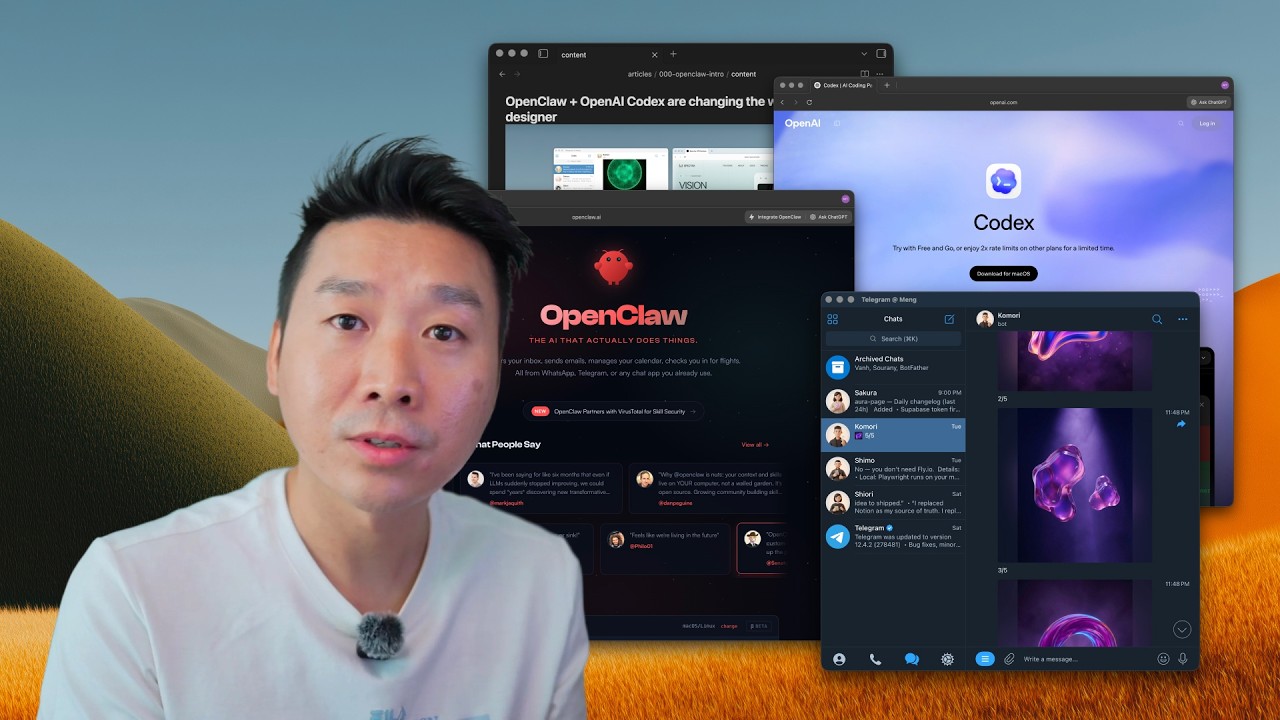
如果你的 AI 可以在你不在辦公桌時進行設計、撰寫、自動化和組織工作流呢?這段影片展示我用來更快交付真實成果的確切 OpenClaw + Codex 設置。我圍繞 OpenClaw + Codex 重建了創作者工作流,改變了我交付設計、內容和產品工作的速度。
完整描述
如果你的 AI 可以在你不在辦公桌時進行設計、撰寫、自動化和組織工作流呢?這段影片展示我用來更快交付真實成果的確切 OpenClaw + Codex 設置。 我圍繞 OpenClaw + Codex 重建了創作者工作流,改變了我交付設計、內容和產品工作的速度。 在這段影片中,我詳細說明: 使用 Nano Banana Pro 的 AI 生成生產視覺素材 從 Telegram 運行工作流 OpenClaw 與 Codex 的實際應用 安全的 OpenClaw 設置(終端、上手、API 金鑰) 用於撰寫/設計/自動化的本機檔案 + 記憶工作流 為什麼創作者現在更像編輯/審核者 如果你是設計師、獨立建構者或獨立駭客,這是你今天就能應用的實用技術棧。 這個工作流的成果 我的 65k MRR 專案:https://aura.build Image Ops:https://www.aura.build/assets Assets Ops:https://www.aura.build/meng 工具 https://openclaw.ai https://nodejs.org https://brew.sh https://telegram.org https://obsidian.md API 金鑰 https://platform.openai.com https://console.anthropic.com https://aistudio.google.com 時間戳記 00:00 介紹:改變我工作流的 AI 工具 00:43 Nano Banana Pro 設計品質展示 02:31 指令行影像工作流 03:18 Telegram 作為遠端控制室 04:32 真實業務背景(Aura) 06:01 使用 Codex 構建自訂投影片工具 07:42 OpenClaw vs Codex 詳解 10:32 為什麼 Codex 更容易上手 12:07 OpenClaw 前置條件(Node + Homebrew) 13:19 終端演練 15:45 上手 + 安全設定 16:06 API 金鑰 + 模型選擇 20:20 控制面板 + 終端 UI 22:34 多智能體設置 23:54 本機檔案/上下文優勢 25:51 何時改用 Codex 26:17 自動化(日常工作流) 27:12 創作者角色轉變:編輯/審核者 28:13 Obsidian + markdown 工作流 30:20 Codex 自動化 + 技能 31:43 專案上下文最佳實踐 32:50 推文轉文章工作流 34:33 排隊任務 + 實時控制 35:42 即時文章 + 影像生成 38:01 API 整合 39:01 安全推出策略 40:31 語音聽寫工作流 41:26 現在為何重要(GPT-5.3 + Codex 動能)
章節
- 0:00 Intro: AI tools that changed my workflow
- 0:43 Nano Banana Pro design quality demo
- 2:31 Command-line image workflow
- 3:18 Telegram as remote control room
- 4:32 Real business context (Aura)
- 6:01 Building a custom slide tool with Codex
- 7:42 OpenClaw vs Codex explained
- 10:32 Why Codex is easier to start with
- 12:07 OpenClaw prerequisites (Node + Homebrew)
- 13:19 Terminal walkthrough
- 15:45 Onboarding + safety settings
- 16:06 API keys + model choices
- 20:20 Control panel + terminal UI
- 22:34 Multi-agent setup
- 23:54 Local files/context advantage
- 25:51 When to use Codex instead
- 26:17 Automations (daily workflows)
- 27:12 Creator role shift: editor/reviewer
- 28:13 Obsidian + markdown workflow
- 30:20 Codex automations + skills
- 31:43 Project context best practices
- 32:50 Tweet-to-article workflow
- 34:33 Queueing tasks + live steering
- 35:42 Real-time article + image generation
- 38:01 API integrations
- 39:01 Secure rollout strategy
- 40:31 Voice dictation workflow
- 41:26 Why now (GPT-5.3 + Codex momentum)